← Back to Portfolio
Azure
Microsoft 365
Graph API
Client: 🇬🇧 United Kingdom
Azure App Registration & Microsoft 365 Integration
Fixing the Microsoft 365 mailbox connection for a UK CRM vendor's multi-tenant product — the missing Outlook permissions on their Azure app, custom-domain and publisher-domain setup, and Microsoft publisher verification through to the verified badge.
Private (Client Tenant)
Overview
A UK software vendor's CRM lets customers connect their Microsoft 365 mailboxes so incoming email can be monitored inside the CRM. The "Connect Microsoft" step kept failing, and customers outside the vendor's own organisation were stopped by an unverified-app warning.
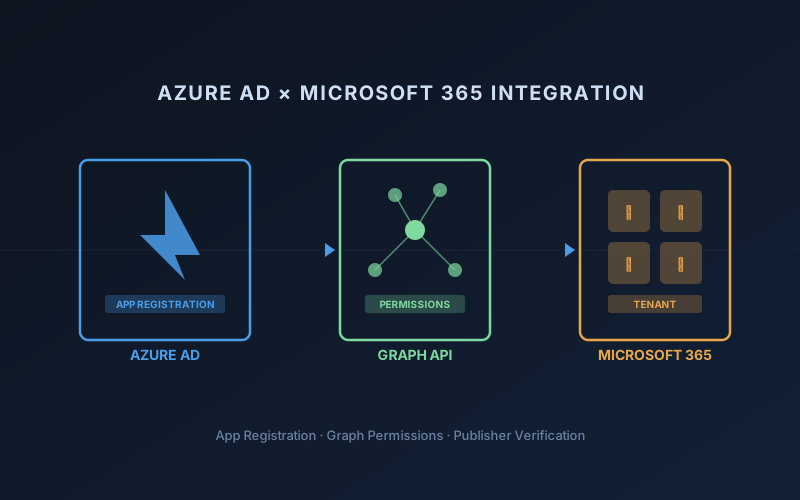
We traced the failure to the Azure side: the app registration only held basic sign-in permissions, not the Outlook mailbox permissions the connection actually asks for. We added those, then took the app through Microsoft's publisher verification — custom domain, publisher domain, linking the right directory to the vendor's Partner Center account — until the app showed the vendor as a verified publisher.
What Was Built
- Diagnosed the failing "Connect Microsoft" OAuth flow and traced it to missing permissions on the Azure app registration
- Added the Outlook mailbox permissions the connection needs (IMAP access and SMTP send) alongside the existing sign-in scopes
- Verified the vendor's own domain in Microsoft Entra ID and set it as the app's publisher domain
- Resolved a two-directory setup: linked the app's directory to the vendor's Partner Center account and set up an admin login that could complete the link
- Completed Microsoft publisher verification — the app now shows the vendor as a verified publisher on the consent screen
Tech Stack
Azure AD / Entra ID
Microsoft Graph API
Microsoft 365
OAuth 2.0
Outcome
Customers can now connect their Microsoft 365 mailboxes to the CRM through a Microsoft app that carries the vendor's verified-publisher badge, instead of an unknown app with an "unverified" warning. The client rated the work 5.0 and asked to bring further work to us.